Logging in to mijn.lucabook.nl
First time logging in
- If you haven’t logged in before, you first need to receive an invitation. You’ll get an email with a link. Click the link in the email to get started.
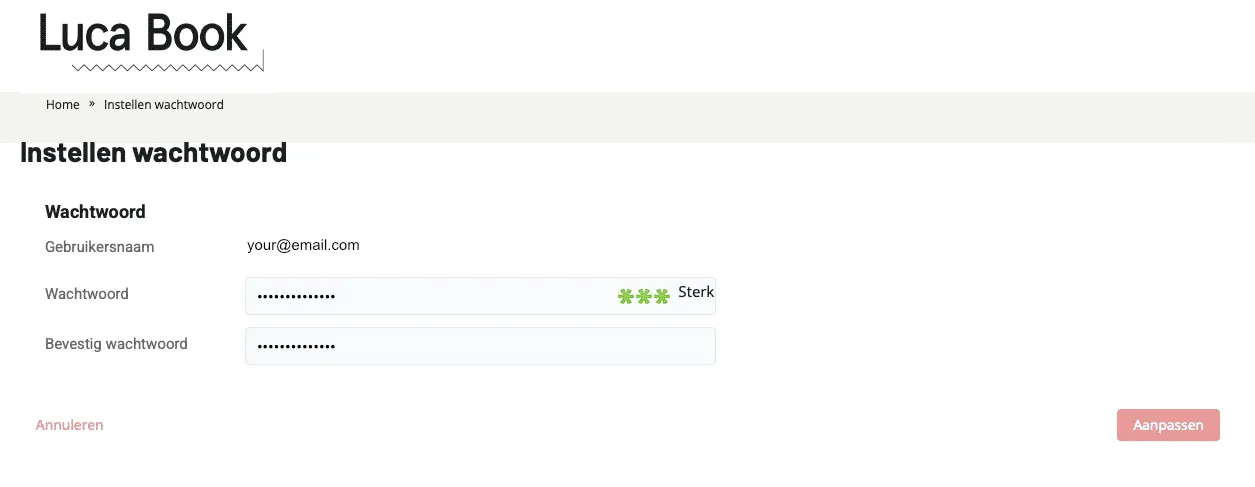
- You’ll be asked to create a new password. Choose a strong password. This will be indicated by three green asterisks.
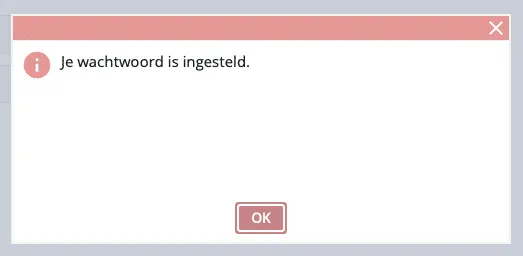
- Click Update to save the password. If it’s set correctly, you’ll receive a confirmation. If there’s an error, you may need to use different characters.
- After setting your password, you can log in.
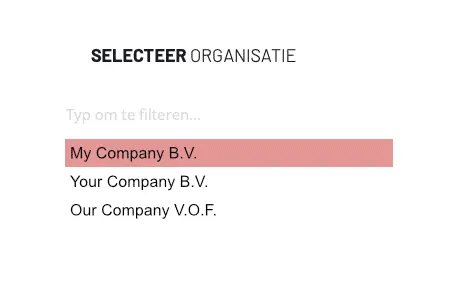
- Select the organisation you want to log in to. If you have multiple administrations, you’ll see multiple organisations here.
- You are now logged in.
Switching organisations
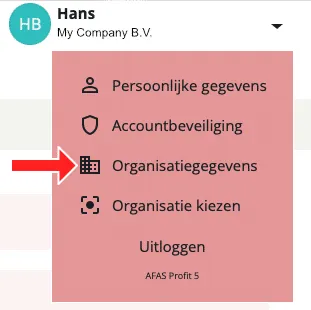
After logging in, you can always switch organisations by clicking your name and selecting Choose organisation.